Solo — design & full-stack
Live Demo · 2026Regression Reader
A user-centered regression testing tool that improves efficiency and accuracy by decreasing time lost in context switching.
- TypeScript
- Claude Code
- UI/UX
- Testing
The first regression pass
During my summer 2026 internship at Tektonux, a user experienced focused software development company, one of my tasks was to run regression tests. During my first test I noticed how cumbersome and mentally taxing running these tests were. Rather than learning to live with the problems I encountered, I built a tool with Claude code to solve them.
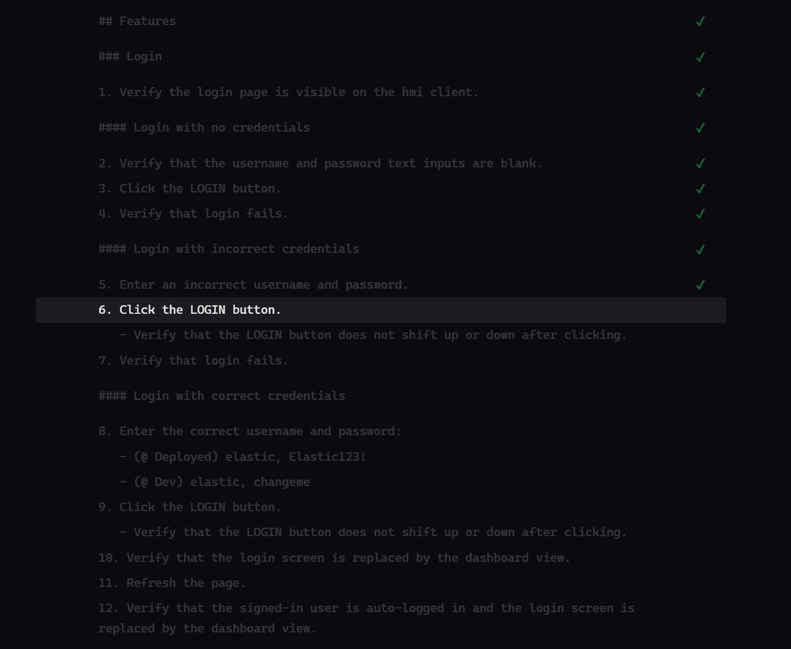
highlighting the current step
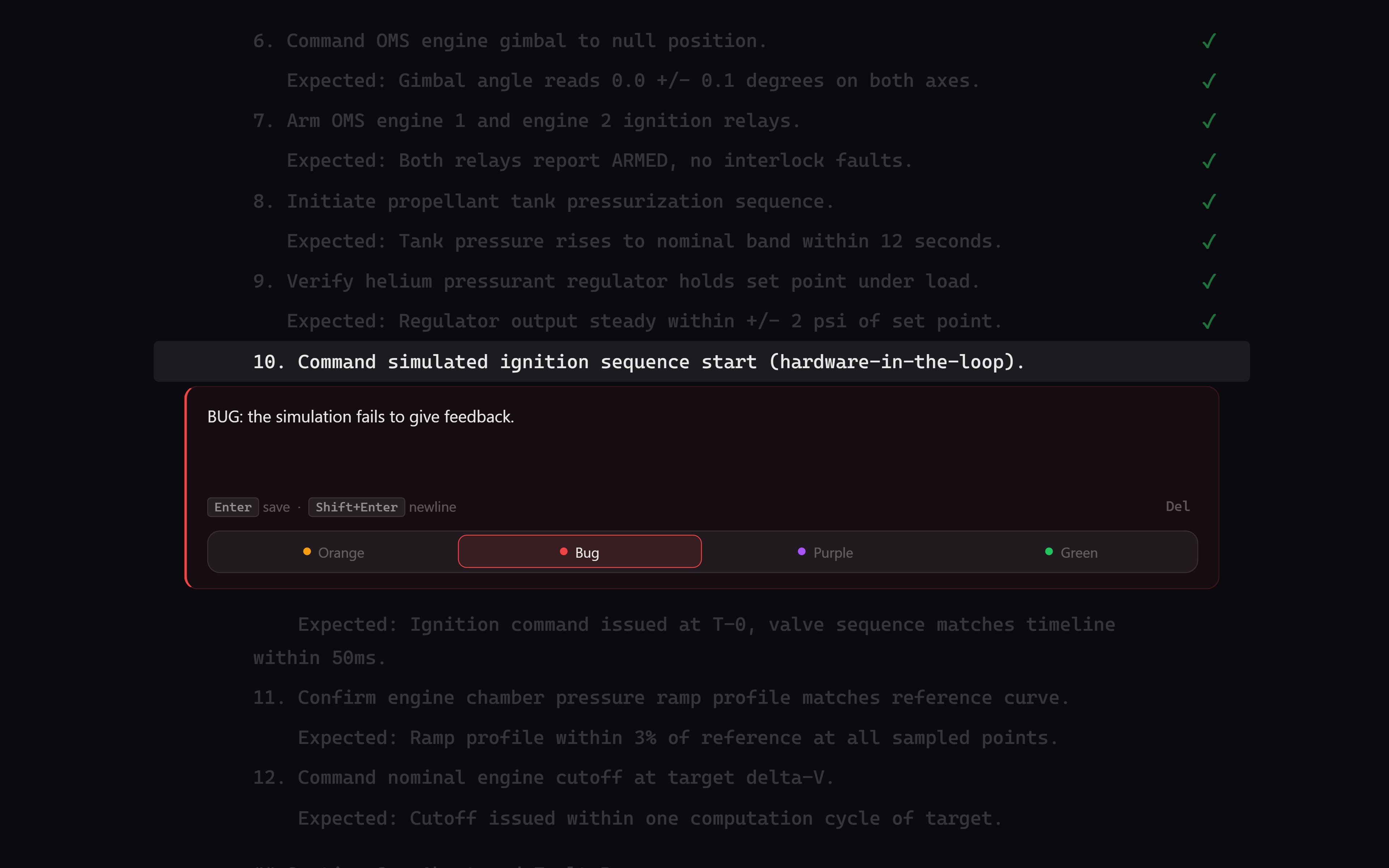
Context switching was my biggest problem during tests. Often I would run a test, turn back to my testing document, and have completely forgotten which step I was on. This caused me to accidently skip steps and spend my time rereading lines rather than continuing my test.
To solve this issue my tool highlights a specific line that tracks the step you're on. Even five minutes into a regression test, that highlight bar becomes a life saver.
Before / after
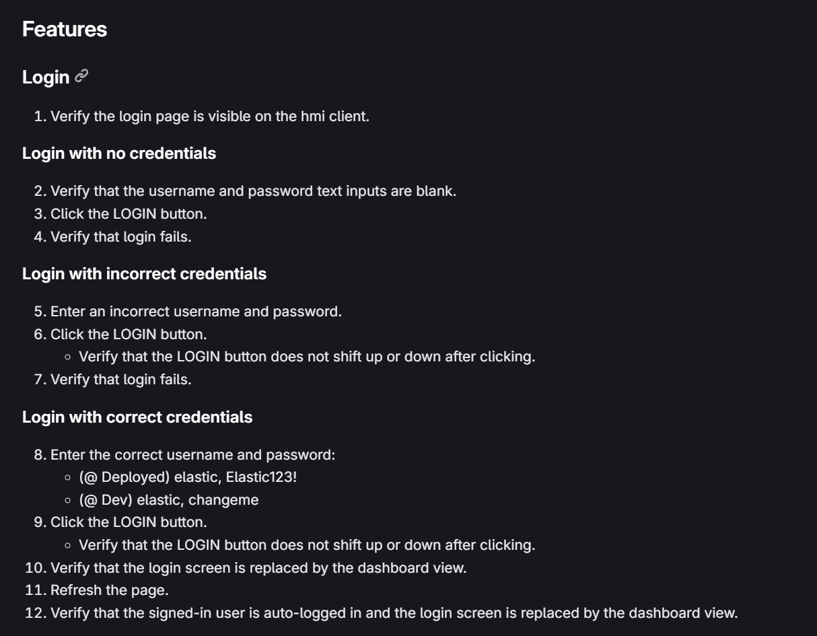
Compare the two screenshots below, step 6 is easy to lose in the original, impossible to lose in my tool.
inline notes and bugs
During a test I would log notes and bugs I found. This became cumbersome because I was juggling two documents at once: the testing doc and my bug log. When I found a bug I would have to pull up another document, slowing me down and keeping my mind off testing.
To streamline this workflow my tool allows you to add notes and bugs inline. Each note is permanently tied to an exact line. A colored dot signifies a line with a note. This makes logging and going over the bugs you discovered effortless.
Summary mode
Once bugs have been logged and annotations have been added, Summary Mode collapses the whole plan down to just the lines with notes, filterable by note color. It turns hours of scrolling into a short list of exactly what needs attention. Use the space bar to expand context.
Writing up results after a regression run takes a fraction of the time it used to.
Where it landed
I built the first working version in one evening — about two hours with Claude Code — then brought it to work the next day and ran my next regression pass on it. It held up.
A teammate started using it not long after, and the plan going forward is for more of the team to pick it up and keep extending it. I went looking for a fix to my own problem and ended up with something my team at Tektonux is actually using. To try this tool for yourself, check out the demo I made.
More projects